EV Charger Not Working: Common Problems and Fixes
By EV Charger Directory Editorial Team
Independent EV charging research desk
Our editors research grants, hardware and installation practice across the UK, Germany and the Netherlands. We don't sell chargers or take installer commissions — the guides are funded by advertising, so the advice stays independent.
Updated: 27 June 2026
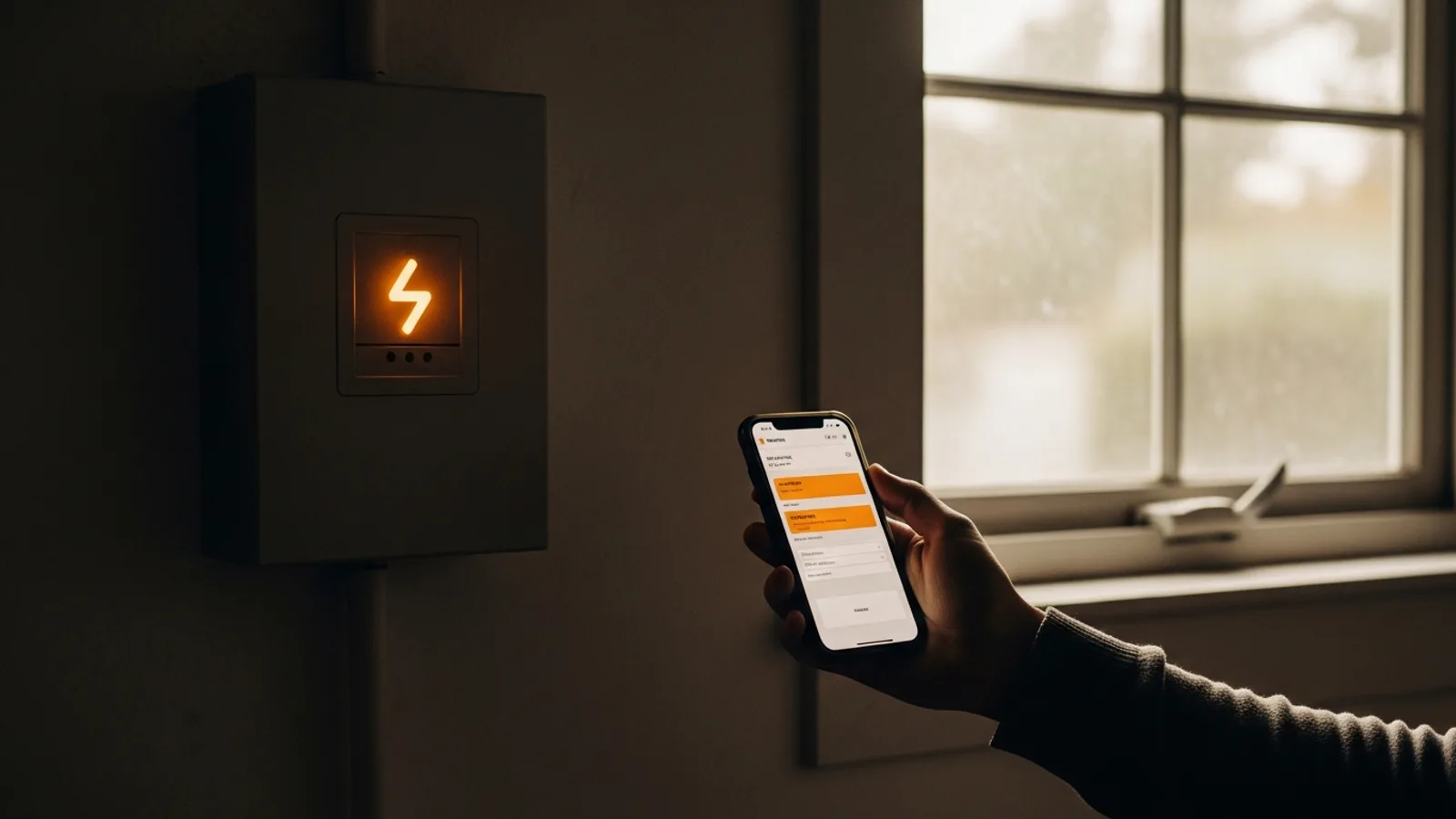
You get home, plug in, and the car just sits there. No charge overnight, a blinking light, maybe an app message that means nothing to you. Before you book a callout you might not need, it helps to know that most charging faults fall into a handful of predictable buckets — and a good number clear with a two-minute reset.
One rule before anything else: never open the unit, remove a cover, or touch the wiring. A wallbox sits on a high-current circuit, and the inside is not a place for trial and error. Everything below is done from the outside — at the connector, in the app, or at your fuse box. If none of it works, the right next step is a certified installer, not a screwdriver.
Start with the boring checks
More call-outs than installers like to admit come down to something small. Is the charger actually getting power? Glance at your consumer unit and look for a tripped breaker on the EV circuit. Switch it fully off, then back on.
Is a scheduled charge quietly blocking things — a timer in the charger app, or an off-peak schedule set in the car itself? Two timers fighting each other is one of the most common 'faults' there is. Then check the connector: push it in until it clicks, because a partial seat won't start a session. On a tethered unit, look for debris or moisture in the head.
Symptom, likely cause, and what to try
| Symptom | Likely cause | What to try |
|---|---|---|
| No lights at all | No power / tripped breaker | Reset the breaker and RCD for the charger circuit |
| Steady red or fault light | Internal or earth fault | Reset at the unit and RCD once; if it returns, call an installer |
| Connected but not charging | Schedule or off-peak timer active | Check the app schedule and the car's own timer |
| Cable won't unlock | Car still locked or 'awake' | Unlock the car, end the session in the app |
| Charging very slowly | Power limit, load balancing or car limit | See our charging-speed guide |
| App won't connect | Wi-Fi or vendor backend outage | Reboot the router; check the vendor's status page |
| RCD trips repeatedly | Moisture, damaged cable or earth fault | Stop using it and call an installer |
When it's the car, not the charger
It's easy to blame the box on the wall, but the car holds half the handshake. A pending software update, a locked charge port, or the car's own departure timer can all stop a session the charger is perfectly willing to start. If you can, try a public charger or a second car — if the problem follows the car, the wallbox is fine.
When the RCD keeps tripping
This one deserves its own note. If the charger circuit repeatedly trips the RCD (residual current device), reset it once. If it goes again, stop. Repeated tripping points to moisture ingress, a damaged cable, or an earthing fault — none of which you should chase yourself. Leave the circuit off and book an installer.
When to stop resetting and call someone
Resets are fine for software hiccups. They are not fine for these:
- A fault light that returns within seconds of every reset.
- Any burning smell, discoloured plastic, or a connector that feels warm to hot.
- An RCD that won't stay in.
- Visible damage to the cable, connector or housing.
- Error codes the app flags as 'hardware fault' or 'contact installer'.
None of these are worth waiting out. A certified installer can read the fault log, test the circuit safely, and tell you in minutes whether it's the unit, the wiring or the supply. That's exactly what our directory is for — every installer listed holds the certifications your network operator and insurer expect.
Frequently asked questions
- My EV charger has no lights at all — what should I check first?
- Start at the fuse box. Look for a tripped breaker or RCD on the EV circuit and switch it fully off, then back on. If the unit stays dead after a reset, the supply or the charger itself may have a fault, and that needs a certified installer rather than any further attempts at home.
- Why is my car plugged in but not charging?
- The most common reason is a charging schedule. Many cars and charger apps have their own off-peak timers, and if both are set they can block each other. Check the schedule in the app and in the car, make sure the connector clicked fully home, and confirm the session actually started.
- My charger keeps tripping the RCD — is that dangerous?
- Reset it once. If it trips again straight away, stop using it. Repeated tripping usually means moisture, a damaged cable or an earthing fault, and these are not safe to investigate yourself. Leave the circuit switched off and call a certified installer.
- Should I ever open the charger to fix it?
- No. A wallbox is on a high-current circuit and there are no user-serviceable parts inside. Safe troubleshooting is limited to resets, checking the app and your RCD, and reseating the connector. Anything beyond that is a job for a qualified installer.